

How to Test If Your Phone Speaker Is Working Properly
Learn how to test your phone speaker for low volume, distortion, crackling, and other problems using simple audio checks.
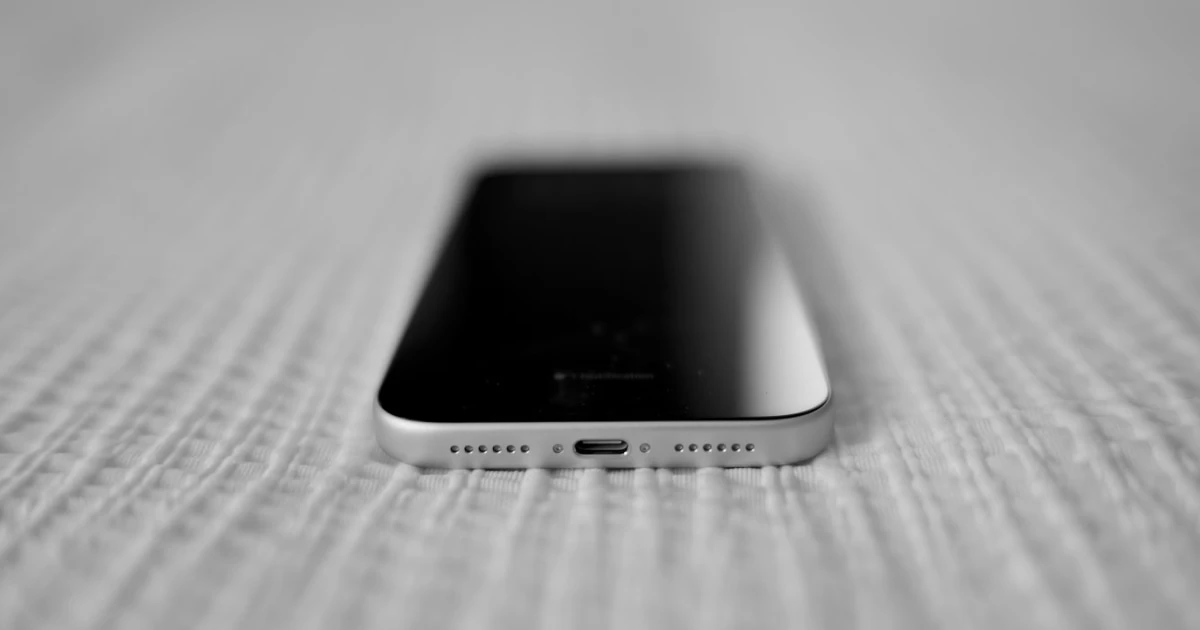
When your phone speaker sounds quieter than usual, crackles during music playback, or produces no sound at all, running a systematic speaker test is the fastest way to pinpoint the problem.
You do not need specialized lab equipment to evaluate your mobile audio. Working through targeted audio checks helps you determine whether your issue stems from incorrect volume sliders, obstructed speaker grilles, software glitches, or actual hardware failure.
Step-by-step phone speaker testing workflow
- Verify media volume and audio routing: Increase your media volume while playing an active track and ensure sound isn’t secretly routing to a connected Bluetooth headset or speaker.
- Test familiar reference audio: Play a high-quality song or voice recording you know well at a moderate 50% volume level, listening closely for clarity, buzzing, or unexpected dropouts.
- Compare multiple independent apps: Test audio playback across at least two separate applications (such as a local voice memo and a streaming video) to verify if the issue is software-specific.
- Strip off your phone case: Remove your protective case and replay your reference audio to check if volume or high-frequency clarity instantly improves.
Hardware Safety Warning: Never insert metal pins, sewing needles, or toothpicks into speaker ports to test or clear them, as they easily puncture delicate internal acoustic diaphragms.
How to test for specific speaker symptoms
Different acoustic flaws require targeted diagnostic checks:
- Low Volume Issues: If your phone is quiet across all apps, verify your media volume versus ringtone settings. For detailed steps, read our guide on why your phone speaker is too quiet at maximum volume.
- Crackling and Buzzing: Harsh rattling noises that persist at moderate volumes across multiple audio sources often point to physical vibration or driver wear. Review our guide on phone speaker crackling and buzzing.
- Muffled Audio: If voices sound dull or distant, inspect your grilles for accumulated pocket lint or trapped moisture. Explore our walkthrough on why phone speakers sound muffled.
- Call vs. Media Discrepancies: If phone calls sound faint while music plays normally, test your top earpiece receiver separately. Read our guide on why iPhone call speakers are quiet while music sounds normal.
Test your audio channels and hardware with Fix My Speakers
While standard music and video clips provide a basic playback check, specialized diagnostic tools allow you to isolate individual speaker channels and test precise frequency response.
Fix My Speakers provides an intuitive suite of mobile audio testing utilities, featuring:
- Precision Frequency Tone Generators: Play clean reference sine waves to evaluate how your speaker reproduces specific pitch ranges.
- Stereo Channel Testing: Isolate top earpiece and bottom loudspeaker output to verify individual driver health.
- Automated 165 Hz Water Ejection: Clear surface moisture trapping acoustic airflow after liquid exposure.
Download Fix My Speakers from the App Store to run instant speaker diagnostics and verify your device audio performance.
When to seek professional repair
If your built-in speaker remains completely silent, persistently distorted, or unusually quiet across every application and system sound after checking volume settings, removing protective cases, and restarting your device, internal hardware damage may be present.
Contact the device manufacturer or an authorized service provider for a professional hardware evaluation.
For iOS device owners, Apple provides official troubleshooting documentation via Apple Support’s guide to iPhone speaker issues.
The bottom line
Testing your phone speaker involves checking active volume channels, comparing multiple app sources, stripping away obstructive cases, and inspecting physical ports.
When you need to run precise frequency sweeps, test stereo balance, or clear surface liquid, download Fix My Speakers from the App Store to keep your mobile audio running at its absolute best.
Frequently asked questions
- How can I test if my phone speaker is working?
- Play familiar audio at a moderate volume, test different apps, and listen for clear sound without unexpected distortion, crackling, or dropouts.
- Can I test my phone speaker without an app?
- Yes. Music, a voice recording, or a video can provide a basic test. A dedicated sound tool can make it easier to play repeatable test tones.
- How do I know if my phone speaker is damaged?
- Persistent distortion, rattling, unusually low volume, or no sound across multiple apps may indicate a problem, but settings, obstructions, and moisture should be ruled out first.
- Can a speaker test fix my phone speaker?
- No. A test helps you identify symptoms; it does not repair hardware or remove a physical obstruction.
Get Fix My Speakers on the App Store
Restore your phone speaker clarity today
Eject trapped water with acoustic sound waves, run automated water-removal cycles, and test audio output using precision frequency generators. Free to download for iPhone and iPad. Results vary; sound-based tools cannot guarantee water removal or repair damaged hardware.

Keep reading
Can a Phone Case Block Your Speaker Sound?
Find out how a phone case can muffle your phone speaker, how to check for blocked speaker openings, and how to fix the problem safely.
Why Is My Phone Speaker Crackling or Buzzing?
Is your phone speaker crackling, buzzing, or making distorted sounds? Learn the common causes, how to troubleshoot the problem, and how to test your speaker.
Why Does My Phone Speaker Sound Muffled? Causes and Fixes
Is your phone speaker muffled? Learn the common causes, how to troubleshoot blocked grilles and moisture, and how Fix My Speakers can help with certain speaker issues.