

Can a Phone Case Block Your Speaker Sound?
Find out how a phone case can muffle your phone speaker, how to check for blocked speaker openings, and how to fix the problem safely.
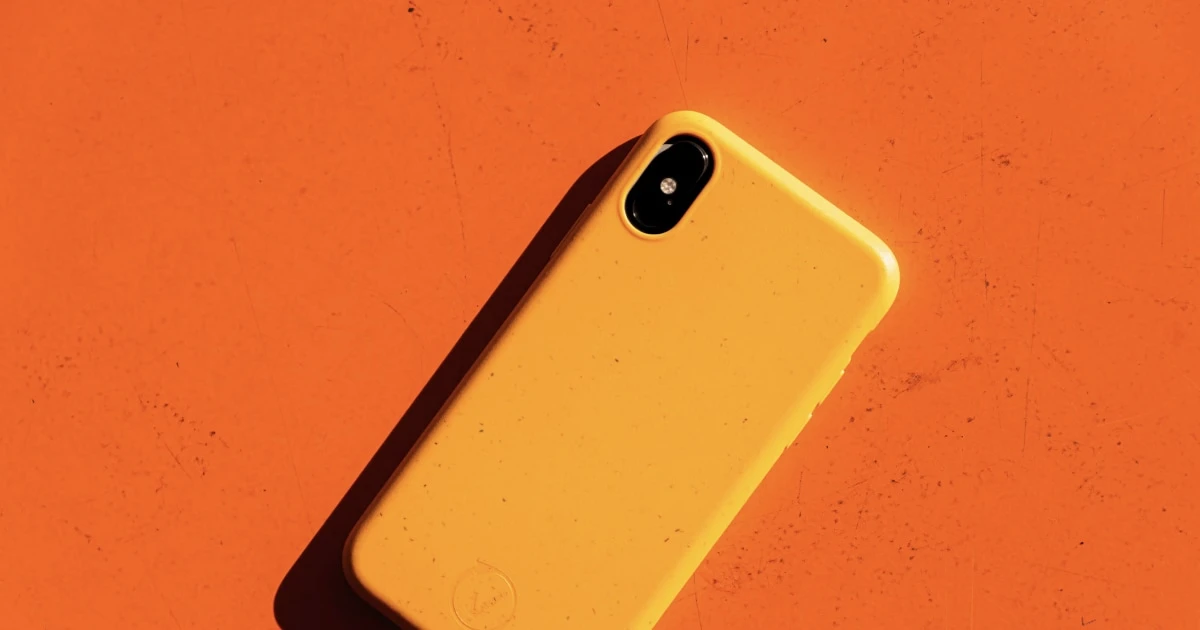
Protective cases safeguard our smartphones against drops, but poorly designed or misaligned cases are one of the most common causes of quiet, muffled, or distorted audio.
Before assuming your speaker is physically blown or infected by a software bug, evaluating your protective case is the fastest and easiest diagnostic check you can make.
How a phone case muffles speaker output
Mobile speakers rely on uninhibited airflow through narrow micro-mesh grilles to project acoustic waves. A phone case interferes with audio performance when:
- Cutouts are misaligned: Manufacturing flaws or stretching cause the case cutouts to cover parts of the speaker openings.
- The model is wrong: Subtle hardware redesigns between phone generations mean a case for a previous model often blocks newly positioned speaker grilles.
- Thick material dampens sound: Heavy-duty, multi-layer armor cases can redirect or smother low-and-high-frequency sound waves.
- Debris accumulates in cutouts: Pocket lint and grime get trapped inside the case cutouts, creating a thick physical barrier over the speaker mesh.
Even covering 20% of a speaker grille can result in noticeably quieter volume and flat, muffled voice output.
How to test if your phone case is blocking the speaker
Isolating a case-related audio issue requires a simple side-by-side comparison test:
Step 1: Perform the Case-On / Case-Off Test
- Select a reference audio track or use a dedicated diagnostic test tool.
- Set your device volume to roughly 70%.
- Listen closely to the audio with the case attached.
- Remove the case completely and replay the exact same audio section.
- Verification: If the sound instantly becomes crisp, loud, and full without the case, the case is the root cause.
Step 2: Inspect Cutout Alignment Under Bright Light
With the case fitted onto your device, examine the bottom speaker openings and earpiece cutout under a bright light:
- Look directly into each cutout to verify that every hole in the phone grille is completely exposed.
- Check whether lip guards or thick camera sliders overlap top or bottom speaker channels.
How to fix a case that blocks your speaker
If your case is dampening your phone’s sound, work through these solutions:
- Clean the case cutouts: Remove the case and wash it thoroughly (or wipe it down with a soft microfiber cloth) to remove pocket lint and sticky residue trapped along the cutout edges.
- Refit and realign: Snap the case back onto your device, ensuring all corners sit flush and no silicone edge folds over the speaker grille.
- Upgrade to a properly fitted case: If the cutouts remain misaligned, switch to a case engineered specifically for your exact device model generation.
What if your speaker still sounds muffled without the case?
If removing your case fails to restore full audio clarity, your speaker problem lies elsewhere:
- Clogged Speaker Mesh: Pocket lint or dust may be compacted directly inside the phone grille itself. Read our guide on how to clean dust out of a phone speaker safely.
- Trapped Liquid: If your phone was recently exposed to water, moisture may be trapped across the speaker membrane. Explore our walkthrough on what to do when there is water in your phone speaker.
- Software or Routing Glitches: Restart your device and confirm sound isn’t misrouted to a Bluetooth accessory.
- Internal Hardware Failure: If you hear persistent metallic buzzing or crackling across all audio sources, the speaker driver itself may be damaged.
Follow our step-by-step master guide on why a phone speaker sounds muffled for a complete troubleshooting breakdown.
Can a speaker cleaner app fix a blocking phone case?
No. Sound-based water eject tools and frequency tone generators cannot physically push away a solid plastic or rubber case barrier.
However, sound tools are incredibly useful for testing and verifying audio performance. Using Fix My Speakers allows you to run high-precision frequency sweeps and stereo speaker tests to objectively confirm that your audio clarity returns once the case is removed or replaced.
The bottom line
A phone case should protect your device without sacrificing audio clarity. If your speaker sounds muffled, start by stripping off the case and running an audio test.
To run precise acoustic checks, evaluate left/right speaker channels, or clear surface moisture after removing a dirty case, download Fix My Speakers from the App Store today.
Frequently asked questions
- Can a phone case make the speaker sound quieter?
- Yes. A poorly fitted, thick, or misaligned case can directly cover a speaker opening, severely dampening volume and muffling acoustic frequencies.
- How can I tell if my phone case is blocking the speaker?
- Play a reference song or audio test, then remove the case and replay the exact same track. If volume and clarity immediately improve, the case is causing the obstruction.
- Can a sound-cleaning app fix a speaker blocked by a phone case?
- No. Sound waves cannot remove a physical barrier like plastic or silicone. You must align, clean, or replace the case to solve the issue.
- Should I poke holes in my phone case?
- No. Modifying a case with sharp objects can create jagged plastic edges that damage your phone's exterior ports or tear the underlying speaker mesh.
Get Fix My Speakers on the App Store
Restore your phone speaker clarity today
Eject trapped water with acoustic sound waves, run automated water-removal cycles, and test audio output using precision frequency generators. Free to download for iPhone and iPad. Results vary; sound-based tools cannot guarantee water removal or repair damaged hardware.

Keep reading
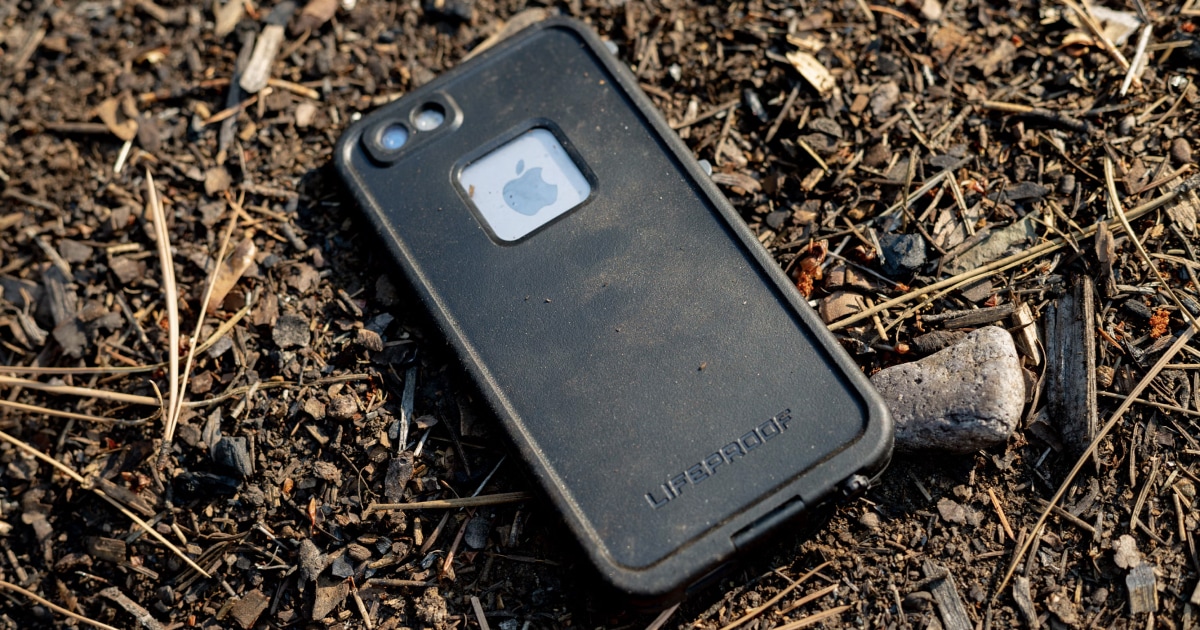
How to Clean Dust Out of a Phone Speaker
Learn how to remove dust from your phone speaker safely, which cleaning methods to avoid, and when a speaker cleaning app can help.
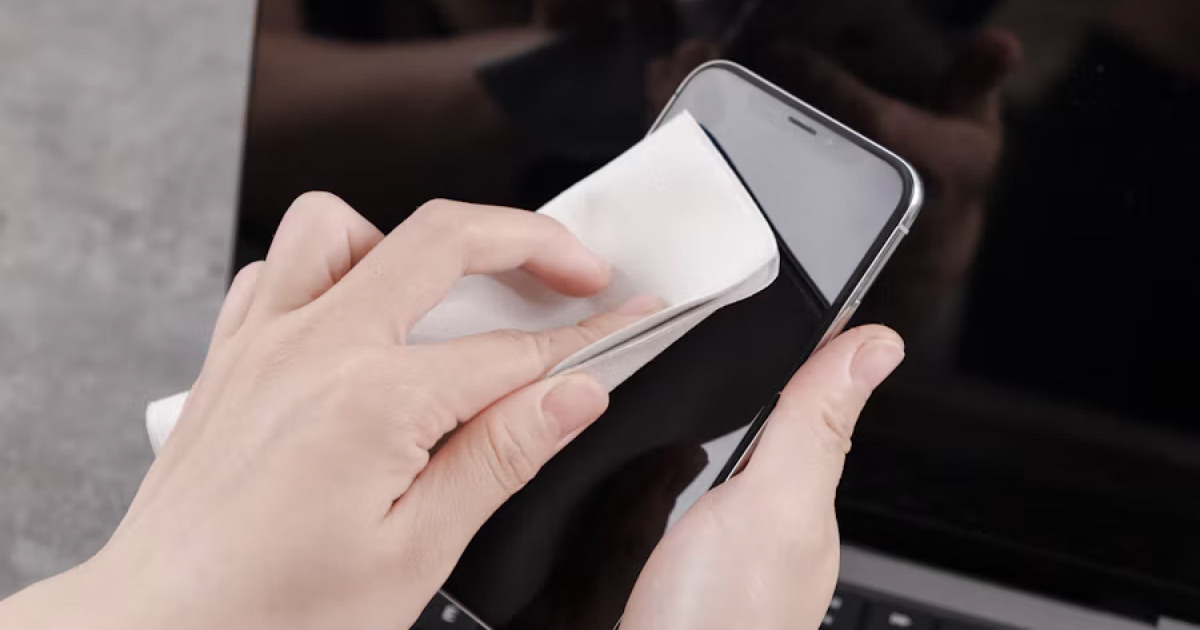
How to Clean a Phone Speaker Without Damaging It
Learn how to clean your phone speaker safely, which tools and cleaning methods to avoid, and what to do if your phone still sounds muffled.
Why Does My Phone Speaker Sound Muffled? Causes and Fixes
Is your phone speaker muffled? Learn the common causes, how to troubleshoot blocked grilles and moisture, and how Fix My Speakers can help with certain speaker issues.