

Why Does My Phone Speaker Sound Quiet After an Update?
Find out why your phone speaker may sound quieter after a software update and how to check audio settings, troubleshoot apps, and identify hardware problems.
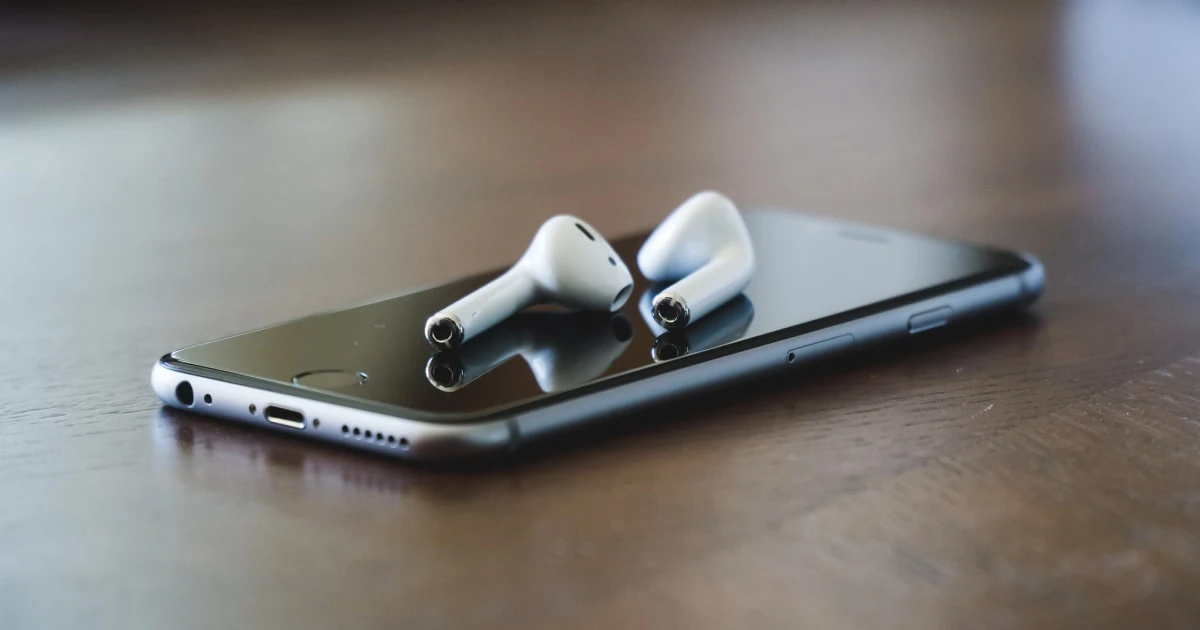
If your phone speaker suddenly sounds noticeably quieter after installing a software update, it is easy to assume the update broke your audio hardware. However, updates frequently reset specific sound preferences, alter app routing, or introduce temporary software buffer glitches that restrict output volume.
Before jumping to conclusions, work through these simple diagnostic steps to identify whether settings, app behavior, or a system glitch is muting your audio.
Why your phone speaker may sound quieter after an update
1. Separate volume channels have been altered
Smartphones manage media playback, ringtones, alarms, and notifications independently. A software update can occasionally reset media volume limits or shift focus away from your current output level.
What to try: Play a familiar video or song, then press the physical Volume Up button on the side of your device to raise the active media volume.
2. Audio is routing to a hidden Bluetooth device
Updates often refresh wireless connection states, occasionally causing your phone to route system audio invisibly to a nearby Bluetooth headset, speaker, or car audio system.
What to try: Turn off Bluetooth entirely in your device settings to force audio output back to your built-in speaker.
3. App-specific audio compatibility issues
Major operating system updates can temporarily cause compatibility bugs in individual apps, making media playback sound muffled or quiet within specific programs while system sounds remain normal.
What to try: Test multiple independent audio sources—such as a local voice memo, a system ringtone, and a streaming video—to see if the low volume affects the entire device or just one app.
4. Accessibility balance or sound check settings shifted
Certain system updates reset accessibility features like left-right stereo balance or headphone safety limits, which can unintentionally damp audio output.
What to try: On iOS, navigate to Settings → Accessibility → Audio & Visual to confirm your balance slider is centered and headphone accommodations are properly adjusted.
5. Speaker openings are physically obstructed
Sometimes the timing is purely coincidental. A thick protective case, pocket lint, or dust accumulated around the speaker grilles can dampen sound output regardless of software changes.
What to try: Remove your phone case and inspect the speaker grilles under a bright light. If debris is visible, brush it away gently using a dry, soft-bristled brush. Never insert sharp objects into the mesh.
For more detailed physical maintenance, review our guide on how to clean a phone speaker safely.
Step-by-step troubleshooting workflow
Work through these checks in order to restore normal volume:
- Adjust active media volume: Play audio and press Volume Up to ensure media channels are maximized.
- Disable Bluetooth: Rule out hidden wireless audio routing.
- Compare multiple apps: Test local recordings versus streaming applications.
- Restart your device: Rebooting clears core audio driver buffer glitches introduced during the update.
- Inspect speaker grilles: Ensure no physical blockage is smothering acoustic output.
If you are using an iOS device, review Apple’s official support documentation for troubleshooting iPhone speaker sound problems.
Can a speaker utility app help restore volume?
A sound utility app cannot modify system software settings or fix app compatibility bugs. However, specialized tools are essential for evaluating hardware health and clearing surface moisture.
If you want to run isolated frequency tests, check stereo balance, or clear surface moisture that may be dampening your speaker mesh after an update, Fix My Speakers provides an intuitive suite of audio testing utilities and automated 165 Hz water ejection cycles.
Download Fix My Speakers from the App Store to quickly verify your speaker performance.
When should you seek professional repair?
If your phone speaker remains abnormally quiet across every application and system sound after adjusting volume channels, toggling Bluetooth, and performing a full system reboot, hardware damage or a core audio IC failure may be present. Contact the device manufacturer or an authorized service provider for a professional inspection.
The bottom line
A quiet phone speaker following a software update is rarely a permanent hardware failure. Check your media volume levels, disconnect background Bluetooth devices, restart your phone, and inspect your speaker grilles to resolve most post-update audio issues quickly and safely.
Frequently asked questions
- Why is my phone speaker quieter after an update?
- An update may coincide with changed audio settings, app-specific issues, or a temporary software problem. It does not necessarily mean the speaker is damaged.
- Can a software update change my phone's volume?
- Software updates can change system behavior, settings, or app compatibility, but a quieter speaker should be investigated rather than automatically attributed to the update.
- Should I use a speaker-cleaning app to restore volume?
- A sound-based app can help test audio playback, but it cannot reliably fix software configuration problems or repair damaged hardware.
- What if my phone is still quiet after troubleshooting?
- Test multiple apps at moderate volume and check the manufacturer's guidance. If the problem persists, contact the manufacturer or a qualified repair provider.
Get Fix My Speakers on the App Store
Restore your phone speaker clarity today
Eject trapped water with acoustic sound waves, run automated water-removal cycles, and test audio output using precision frequency generators. Free to download for iPhone and iPad. Results vary; sound-based tools cannot guarantee water removal or repair damaged hardware.

Keep reading
Why Does My Phone Speaker Sound Distorted at High Volume?
Find out why your phone speaker sounds distorted at high volume, how to distinguish normal audio limitations from a potential problem, and what to try.
Why Does My Phone Speaker Sound Different on One Side?
Learn why one side of your phone may sound quieter than the other, how stereo speakers work, and how to troubleshoot uneven phone audio.
Phone Speaker Too Quiet at Maximum Volume? Causes and Fixes
Is your phone speaker too quiet even at maximum volume? Discover common causes, practical troubleshooting steps, and how Fix My Speakers can help you test your phone's sound.