

Why Does My Phone Speaker Sound Different on One Side?
Learn why one side of your phone may sound quieter than the other, how stereo speakers work, and how to troubleshoot uneven phone audio.
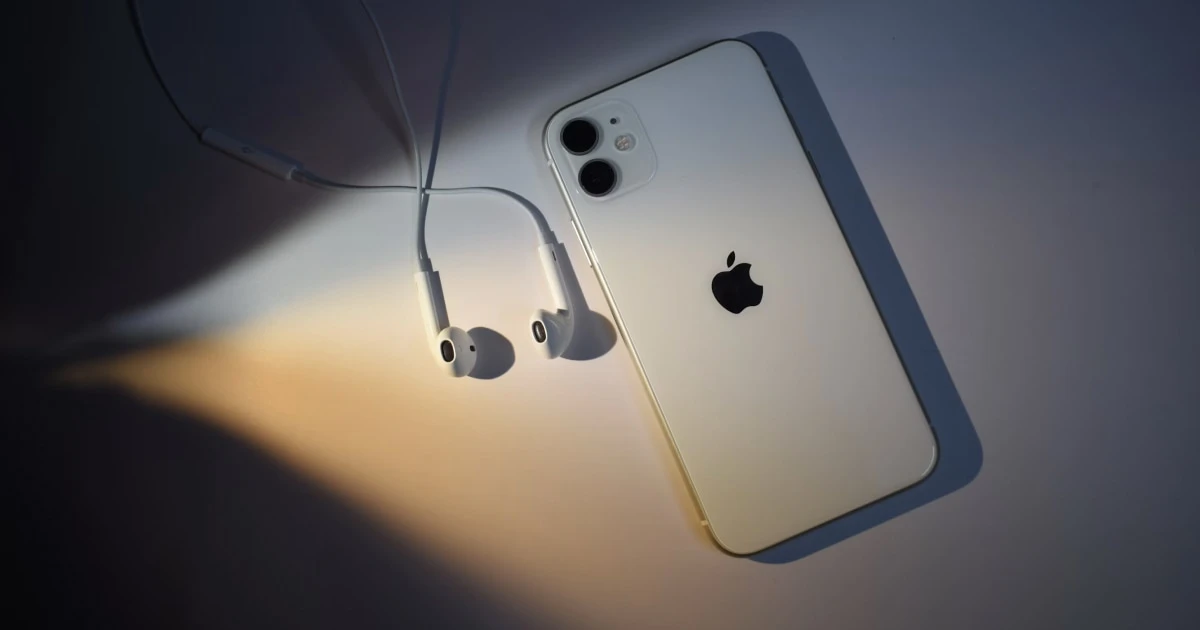
When playing music or watching videos, you might notice that sound coming from one side of your smartphone feels noticeably quieter, flatter, or less powerful than the other. While an uneven audio output suggests a failing or clogged speaker, it is frequently the result of intentional hardware design, asymmetrical speaker layouts, or hidden accessibility settings.
Understanding how mobile stereo systems operate helps you determine whether your phone has an actual audio defect or is simply functioning as engineered.
The myth of symmetric speaker grilles
Many modern smartphones feature two matching rows of drilled holes along the bottom chassis. A common misconception is that both sides house identical stereo speakers.
On almost all modern devices—including iPhones and flagship Android handsets—only one side contains an active loudspeaker. The opposite row of holes typically houses:
- The primary cellular voice microphone.
- Internal barometric pressure vents.
- Environmental noise-canceling sensors.
If you cover the left set of bottom holes and hear no change in volume, your phone is likely operating normally. Sound is emitted solely from the right port, while the left port serves as a microphone.
Why modern phone stereo setups sound asymmetrical
Modern smartphones deliver stereo playback using a hybrid asymmetric layout:
- The Primary Loudspeaker (Bottom Chassis): A larger acoustic driver designed to handle deep bass, mid-range frequencies, and maximum volume output.
- The Secondary Earpiece Speaker (Top Screen Edge): A smaller, highly directional speaker tuned specifically for high frequencies and voice clarity.
Because the bottom driver physically moves more air than the top earpiece driver, holding your phone horizontally will naturally reveal an output imbalance—the bottom speaker will always produce fuller, louder audio than the earpiece.
Common reasons why one side sounds abnormally quiet
If one speaker side has suddenly become drastically quieter or entirely silent, work through these common culprits:
1. Misconfigured L/R audio balance settings
Both iOS and Android feature accessibility sliders that adjust the balance between left and right audio channels. If this setting was accidentally bumped, one speaker channel will be severely muted.
How to fix on iOS:
- Open Settings and tap Accessibility.
- Select Audio & Visual.
- Scroll down to the Balance slider and ensure it is positioned dead-center between L and R.
2. Mono Audio is turned on
Enabling Mono Audio combines stereo channels into a single mono signal played through both speakers. While this ensures no audio detail is missed, it flattens stereo separation and can make one speaker feel less dynamic.
How to fix: Navigate to your device’s Accessibility settings and ensure Mono Audio is toggled off.
3. Pocket lint or liquid blocking one speaker grille
Compacted lint, oils, or trapped water droplets across either the top earpiece mesh or bottom speaker cutout will severely dampen that specific channel.
How to fix: Inspect the grilles under bright light. If dry lint is present, brush it away gently using a soft, dry bristle brush. For detailed physical maintenance, review our guide on how to clean a phone speaker safely.
4. Asymmetrical audio source or app bug
Some audio tracks, old video recordings, or game engines isolate specific instruments or voices to a single channel. If a recording panned audio hard-left, the right speaker will remain nearly silent.
How to fix: Test multiple independent audio sources (e.g., a local voice memo, a system ringtone, and a streaming video) to confirm if the imbalance persists.
How to test your stereo speakers step-by-step
To objectively measure your speaker channels, run this diagnostic workflow:
- Remove your phone case: Thick cases can cover the top earpiece slot or misalign with bottom cutouts.
- Verify physical speaker locations: Review your manufacturer’s specs to confirm which openings are drivers vs. microphones.
- Center accessibility balance: Ensure your L/R audio balance slider is dead-center.
- Isolate left and right audio channels: Run a dedicated stereo channel test.
Diagnose stereo balance with Fix My Speakers
Fix My Speakers provides an intuitive suite of audio diagnostic tools built specifically for mobile device troubleshooting.
Using Fix My Speakers, you can:
- Run Left/Right Stereo Diagnostics: Isolate output strictly to the top earpiece or bottom loudspeaker to verify individual driver health.
- Generate Precision Frequency Sweeps: Identify if a quiet speaker driver is failing across specific pitch ranges or just muffled by surface dust.
- Eject Trapped Moisture: Use calibrated 165 Hz acoustic water ejection cycles to clear surface liquid clogging either speaker mesh.
Download Fix My Speakers from the App Store to run instant stereo tests and verify your speaker hardware performance.
When to seek professional repair
If your L/R balance slider is centered, your speaker grilles are completely clean, and one speaker remains silent or produces metallic crackling across all apps, the speaker driver or audio codec chip may be damaged. Visit an authorized service provider or contact the manufacturer for a hardware evaluation.
The bottom line
An audio volume difference between the top earpiece and bottom loudspeaker is usually a normal limitation of mobile stereo design, while silence from one side of a dual-bottom grille is simply because one side houses a microphone.
Check your device specs, center your accessibility balance sliders, and use Fix My Speakers to run isolated stereo tests before assuming your hardware is defective.
Frequently asked questions
- Why is one side of my phone speaker quieter?
- Most smartphones feature asymmetrical speaker designs where the top earpiece handles high frequencies and the bottom loudspeaker handles low/mid frequencies, naturally producing different volume levels.
- Do both bottom speaker grilles on a phone produce sound?
- No. On almost all modern smartphones, one set of bottom holes contains the loudspeaker, while the opposite set houses the primary voice microphone or barometer.
- Can an audio balance setting make one side quieter?
- Yes. Accessibility settings contain a left-right audio balance slider. If shifted off-center, one speaker channel will play significantly quieter than the other.
- How can I test my phone's stereo speakers?
- Run an isolated stereo audio test, check left-right channel balance in accessibility settings, strip off your phone case, and test uncompressed audio files across multiple apps.
Get Fix My Speakers on the App Store
Restore your phone speaker clarity today
Eject trapped water with acoustic sound waves, run automated water-removal cycles, and test audio output using precision frequency generators. Free to download for iPhone and iPad. Results vary; sound-based tools cannot guarantee water removal or repair damaged hardware.

Keep reading
Why Is My Phone Speaker Crackling or Buzzing?
Is your phone speaker crackling, buzzing, or making distorted sounds? Learn the common causes, how to troubleshoot the problem, and how to test your speaker.
Why Does My Phone Speaker Sound Distorted at High Volume?
Find out why your phone speaker sounds distorted at high volume, how to distinguish normal audio limitations from a potential problem, and what to try.
Phone Speaker Too Quiet at Maximum Volume? Causes and Fixes
Is your phone speaker too quiet even at maximum volume? Discover common causes, practical troubleshooting steps, and how Fix My Speakers can help you test your phone's sound.