

Water in Your Phone Speaker: What to Do and What to Avoid
Got water in your phone speaker? Learn how to dry your phone safely, improve muffled sound, and avoid common mistakes that can cause damage.
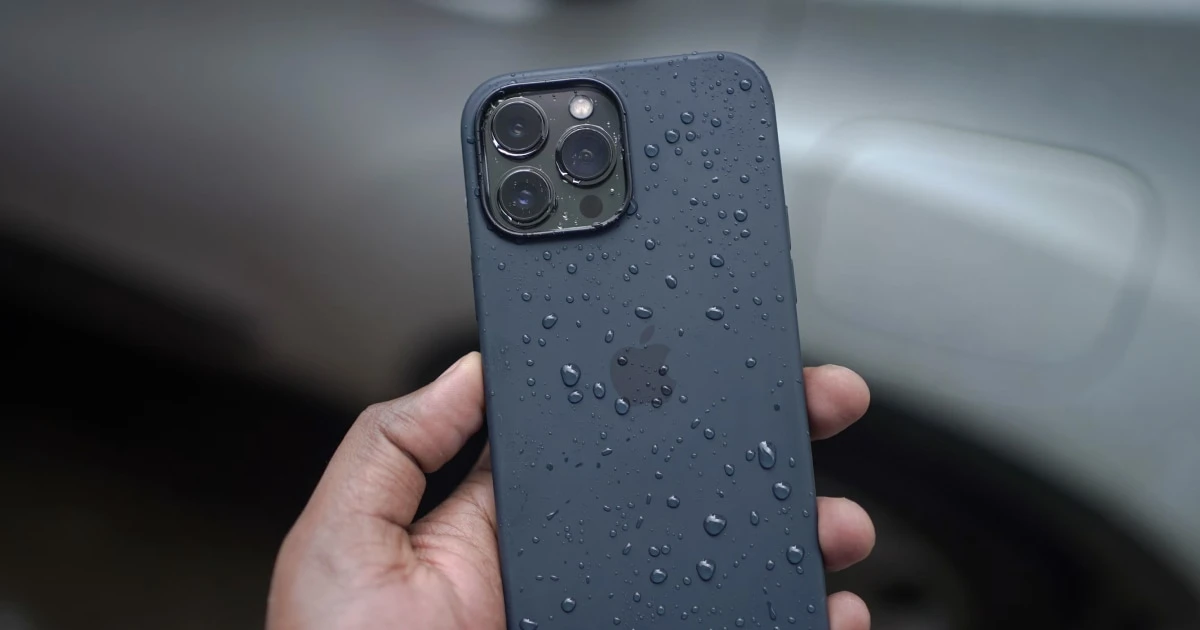
When water enters your smartphone speaker, audio instantly becomes quiet, muffled, or distorted. Liquid exposure from rain, spills, or accidental submersion creates surface tension across the delicate speaker mesh, trapping water droplets that block acoustic airflow.
Acting quickly and safely prevents permanent water damage to internal electronic components.
Immediate steps when water enters your phone speaker
- Disconnect all power and cables: Unplug any charging cables or wired accessories instantly to prevent electrical short-circuits. Confirm the device is completely unpowered.
- Expel excess exterior liquid: Hold your phone vertically with the speaker grilles facing downward and gently tap the back of the device against your palm so visible droplets fall onto a cloth.
- Air-dry in a ventilated space: Place the phone upright in an area with good ambient airflow at room temperature. Allow at least 2 to 5 hours for internal moisture to dissipate naturally.
Critical Drying Safety Warnings: Never use a hair dryer, microwave, or external heat source, and never submerge your phone in a bag of rice. High heat warps internal plastic seals and battery assemblies, while fine rice starch easily clogs charging ports and speaker grilles.
What not to do when your phone speaker is wet
- Do not insert objects: Never push cotton swabs, pins, toothpicks, or paper towels into the speaker ports. This easily tears the fragile acoustic mesh or pushes water deeper inside.
- Do not charge a wet device: Connecting a Lightning or USB-C cable while moisture remains in the port risks permanent corrosion.
- Do not shake violently: Vigorous shaking can move internal water droplets across sensitive logic board components.
Eject water using sound waves with Fix My Speakers
Once you have removed exterior moisture, you can use calibrated acoustic frequencies to help clear liquid trapped directly inside the speaker mesh.
Fix My Speakers features a dedicated 165 Hz water ejection mode designed to drive the speaker membrane to its maximum mechanical excursion limit. This rapid vibration creates concentrated air pressure that forces trapped liquid droplets outward through the speaker grille.
Download Fix My Speakers from the App Store to run automated water-eject cycles and test your speaker clarity after liquid exposure.
For official manufacturer handling guidelines, consult Apple’s support documentation on wet iPhones.
Frequently asked questions
- How do I get water out of my phone speaker?
- Disconnect cables, gently remove excess water from the exterior, and let the phone air-dry in a well-ventilated area while holding speaker grilles downward.
- Why does my phone speaker sound muffled after getting wet?
- Surface tension allows water droplets to form an acoustic barrier across the speaker mesh, temporarily muffling audio output until evaporated or expelled.
- Can I use sound to remove water from an iPhone speaker?
- Yes. Playing calibrated low-frequency tones (such as 165 Hz) forces the speaker diaphragm to vibrate rapidly, helping eject surface water droplets from the mesh.
- Can I charge my phone when the speaker is wet?
- No. Connecting a cable while moisture is present in the ports risks short-circuiting the logic board or triggering permanent liquid corrosion.
Get Fix My Speakers on the App Store
Restore your phone speaker clarity today
Eject trapped water with acoustic sound waves, run automated water-removal cycles, and test audio output using precision frequency generators. Free to download for iPhone and iPad. Results vary; sound-based tools cannot guarantee water removal or repair damaged hardware.

Keep reading
Can Sound Waves Remove Water from a Phone Speaker?
Learn how sound waves may help dislodge moisture from a phone speaker, what a 165 Hz tone can do, and how to dry a wet phone safely.
How to Clean Dust Out of a Phone Speaker
Learn how to remove dust from your phone speaker safely, which cleaning methods to avoid, and when a speaker cleaning app can help.
How to Clean a Phone Speaker Without Damaging It
Learn how to clean your phone speaker safely, which tools and cleaning methods to avoid, and what to do if your phone still sounds muffled.