

What Is the Best Frequency to Clean a Phone Speaker?
Discover which sound frequencies are used for phone speaker cleaning, how frequency affects speaker movement, and what sound-based cleaning can realistically do.
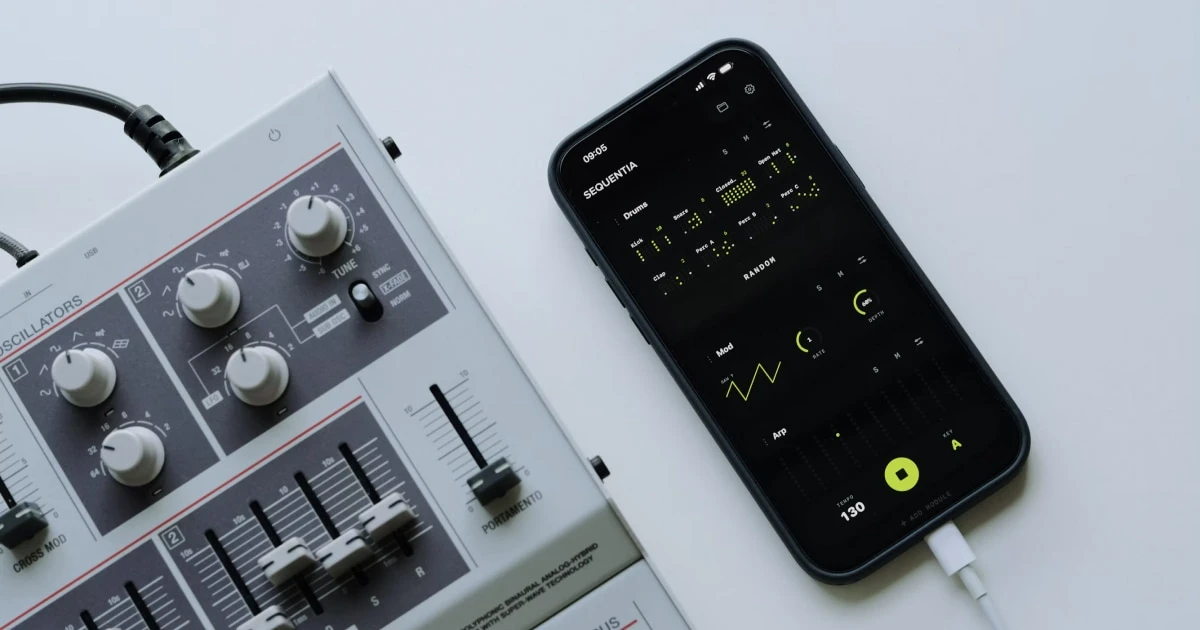
When searching for the best frequency to clean a phone speaker, low-frequency tones like 165 Hz are universally recommended across water-eject utilities and audio engineering guides. But understanding why certain frequencies work—and how acoustic waves interact with mobile speaker hardware—is key to safely restoring muffled audio.
There is no single magic tone that solves all audio issues, but targeting specific frequency ranges maximizes physical air movement to expel trapped moisture while protecting delicate internal drivers.
What frequency should you use to clean a phone speaker?
Low-frequency audio waves (specifically between 150 Hz and 200 Hz) produce the greatest physical diaphragm movement in micro-speakers. When the internal membrane moves back and forth at maximum amplitude, it compresses air inside the speaker cavity, creating rapid pressure pulses that blast surface water out through the grille.
Different frequency ranges serve very distinct acoustic and diagnostic functions:
| Frequency Range | Acoustic Classification | Physical & Practical Effect |
|---|---|---|
| 100 Hz - 200 Hz (e.g., 165 Hz) | Targeted Water Eject Range | Maximum membrane displacement & air pressure. Optimal for expelling surface water. |
| 200 Hz - 500 Hz | Low-Mid Frequency Sweep | Moderate diaphragm motion. Useful for secondary acoustic clearing. |
| 1,000 Hz (1 kHz) | Mid-Range Reference Tone | Standard audio testing tone. Minimal physical air displacement. |
| 2,000 Hz - 8,000 Hz | High-Frequency Sweep | Fast pitch oscillation. Ideal for checking treble clarity and hardware distortion. |
While lower frequencies generate stronger air pressure pulses, playing sub-bass tones below 80 Hz can exceed the frequency response limits of small smartphone drivers, resulting in quiet or ineffective output.
How sound frequency affects speaker mechanics
Frequency measures sound wave cycles per second, expressed in Hertz (Hz).
- Lower Hertz values: Produce fewer wave cycles per second, creating deeper pitches that require larger, farther mechanical movements of the speaker membrane.
- Higher Hertz values: Produce thousands of wave cycles per second, creating high-pitched tones with rapid but extremely shallow membrane movement.
Because clearing liquid requires moving physical air, low-frequency tones generate the high-amplitude vibrations needed to overcome surface tension and push trapped water droplets through fine mesh grilles.
However, sound waves only move air—they cannot repair liquid-corroded circuits, dissolve sticky residues, or dislodge dry, compacted pocket lint stuck in the speaker mesh.
Why 165 Hz is considered the standard water eject frequency
The 165 Hz frequency has emerged as the industry benchmark for mobile speaker clearing utilities, including the automated water ejection feature in Fix My Speakers.
This specific frequency hits the ideal acoustic sweet spot for smartphone hardware:
- Maximum Safe Amplitude: Drives the speaker membrane to its maximum physical displacement limit without pushing the driver into clipping or distortion.
- Resonant Air Pressure: Creates continuous, high-energy air pulses that break the surface tension of water trapped in micro-perforated grilles.
- Universal Driver Compatibility: Operates smoothly within the hardware response window of modern iOS and Android speaker modules.
To learn more about the physics behind this specific tone, read our deep dive on what a 165 Hz sound does to a phone speaker.
Can sound frequencies clean dust out of a phone speaker?
A common myth is that high-frequency audio or strong bass tones can blow dust and lint out of a speaker grille.
Liquid forms a cohesive barrier over speaker holes that air pressure can easily push outwards. Solid dust, pocket lint, and debris behave completely differently—they become wedged inside the grille mesh or adhere to skin oils on the exterior casing.
Sound waves cannot reliably remove physical dust or lint. If your speaker grille is visibly dirty, refrain from blasting high-volume tones and follow manufacturer-approved physical cleaning techniques.
For safe step-by-step instructions, see our guides on how to clean dust out of a phone speaker and cleaning a phone speaker without damaging it.
How to run a speaker cleaning cycle safely
If your phone speaker sounds muffled or quiet after liquid exposure, follow these best practices for safe sound-based cleaning:
- Clear exterior moisture first: Wipe the phone casing with a microfiber cloth and tap the device gently against your palm with the speaker pointing down.
- Remove protective cases: Water trapped between your phone case and speaker ports can block ejected moisture from escaping.
- Use a calibrated utility: Rely on specialized tools like Fix My Speakers rather than unverified online audio clips.
- Set volume appropriately: Increase volume to a high, comfortable level to maximize air displacement, but stop if you hear harsh metallic rattling.
- Allow proper drying time: A successful water eject cycle clears the speaker grille, but internal components still need time to air-dry in a well-ventilated area.
Try calibrated 165 Hz water ejection with Fix My Speakers
Fix My Speakers offers a clean, precise suite of sound tools, featuring a built-in 165 Hz water eject cycle, customizable frequency sweep generators, and full stereo audio diagnostic tests.
Instead of searching for raw audio files or unsafe videos, Fix My Speakers generates uncompressed, real-time audio frequencies directly on your device to help restore muffled audio fast.
For more details on fluid mechanics and acoustic limitations, read our companion article on whether sound waves can remove water from a phone speaker.
What if your speaker still sounds muffled after playing a tone?
If running a frequency cycle doesn’t immediately fix your sound quality, investigate these potential root causes:
- Compacted Surface Debris: Inspect the grille under a bright light for physical dirt blocking the audio ports.
- Deep Interior Moisture: The speaker grille may be clear while humidity remains inside the phone body. Allow additional air-drying time.
- System Audio Configuration: Check your device volume, headphone routing, and spatial audio settings.
- Hardware Component Damage: Persistent buzzing, popping, or total audio loss points to a physically torn membrane or blown driver that requires repair.
Walk through our comprehensive guide to testing whether your phone speaker is working properly to pinpoint the problem.
The bottom line
Low-frequency tones around 165 Hz offer the best combination of membrane displacement and air pressure for dislodging water droplets from phone speaker grilles. While sound waves are highly effective for clearing trapped liquid, they cannot remove physical dust or repair water-damaged electronics.
For an all-in-one diagnostic and water ejection tool, download Fix My Speakers from the App Store to safely test, clean, and maintain your phone’s speaker clarity.
Frequently asked questions
- What is the best frequency to clean a phone speaker?
- Low-frequency tones between 150 Hz and 200 Hz—most notably 165 Hz—are the most effective for speaker cleaning because they produce maximum diaphragm vibration and air movement to dislodge surface water.
- Is 165 Hz good for cleaning a phone speaker?
- Yes, 165 Hz is widely recognized as an optimal frequency for phone speaker water ejection because it triggers strong acoustic resonance without overdriving small mobile speaker components.
- Can high-frequency sound remove dust from a phone speaker?
- No. Sound waves rely on air pressure to push liquid droplets. Solid dust, pocket lint, or compacted debris cannot be blown out by sound waves and require safe exterior cleaning tools.
- Should I use maximum volume to clean my phone speaker?
- Start at moderate-to-high volume for effective air displacement, but avoid overdriving distorted speakers. High volume increases vibration force, but safety comes first if hardware is compromised.
Get Fix My Speakers on the App Store
Restore your phone speaker clarity today
Eject trapped water with acoustic sound waves, run automated water-removal cycles, and test audio output using precision frequency generators. Free to download for iPhone and iPad. Results vary; sound-based tools cannot guarantee water removal or repair damaged hardware.

Keep reading
What Does a 165 Hz Sound Do to a Phone Speaker?
Discover how a 165 Hz sound wave works, why water eject apps use this frequency, and how acoustic vibrations help clear trapped moisture from phone speakers.
Can Sound Waves Remove Water from a Phone Speaker?
Learn how sound waves may help dislodge moisture from a phone speaker, what a 165 Hz tone can do, and how to dry a wet phone safely.
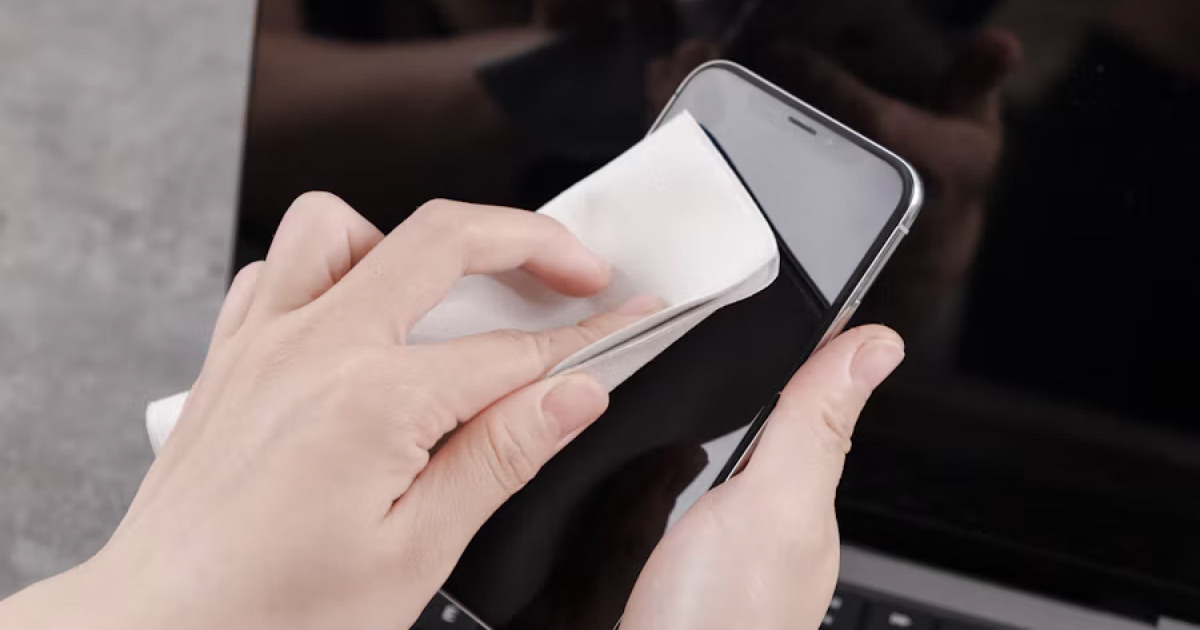
How to Clean a Phone Speaker Without Damaging It
Learn how to clean your phone speaker safely, which tools and cleaning methods to avoid, and what to do if your phone still sounds muffled.