

What Does a 165 Hz Sound Do to a Phone Speaker?
Discover how a 165 Hz sound wave works, why water eject apps use this frequency, and how acoustic vibrations help clear trapped moisture from phone speakers.
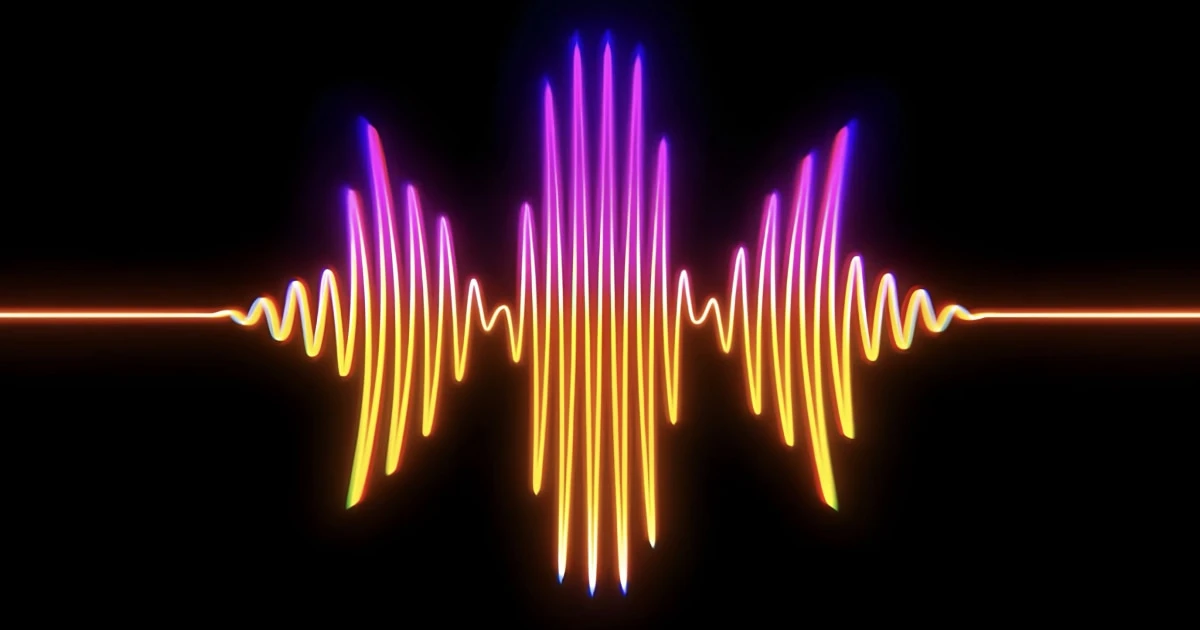
A 165 Hz sound is a low-pitched audio tone widely recognized as one of the most effective frequencies for phone speaker water ejection. When liquid gets trapped inside your device, playing a calibrated 165 Hz frequency causes the speaker membrane to vibrate at rapid intervals, generating acoustic pressure waves that push trapped water out through the speaker mesh.
Understanding how a 165 Hz sound wave works—and how to use it safely—is the fastest way to fix muffled audio after your phone gets wet.
What does 165 Hz mean in audio acoustics?
Hertz (Hz) measures sound wave frequency: the exact number of acoustic wave cycles completed per second.
A 165 Hz tone completes 165 full vibration cycles every second. It falls into the lower mid-bass spectrum, which makes it ideal for physical mechanical movement in small smartphone speakers.
| Frequency | General Audio Classification | Mechanical & Acoustic Effect |
|---|---|---|
| 100 Hz | Sub-Bass Tone | Low membrane movement, subtle vibration |
| 165 Hz | Targeted Water Eject Frequency | Optimal membrane displacement & air pressure |
| 440 Hz | Musical Reference (A4) | Moderate pitch, low air displacement |
| 1,000 Hz (1 kHz) | High-Mid Audio Test Sweep | High-pitch tone for listening tests, low physical displacement |
The key reason 165 Hz is popular for speaker cleaning isn’t pitch—it’s amplitude and resonance.
How does a 165 Hz sound wave eject water?
Smartphone speakers convert electrical signals into physical motion. Inside the speaker module, a thin flexible membrane (the diaphragm) rapidly moves forward and backward to move air molecules.
When you play a 165 Hz tone at sufficient volume:
- Membrane Displacement: The speaker driver moves at its maximum safe physical amplitude.
- Air Compression: Rapid forward-and-backward motion compresses air inside the speaker cavity.
- Droplet Ejection: The air pressure blasts trapped liquid droplets through the fine micro-mesh of the speaker grille.
Key Acoustic Advantages of 165 Hz:
- Non-invasive: Clears water without inserting sharp tools, pins, or cotton swabs that can damage the water-resistant seal.
- Immediate action: Dislodges moisture droplets before they evaporate and leave mineral residue on the speaker membrane.
- Targeted frequency: Matches the natural resonance point of many mobile speaker modules.
While sound wave ejection is highly effective for clearing trapped surface liquid, keep in mind that sound vibrations cannot repair hardware components damaged by short-circuits or prolonged corrosion.
Why do speaker cleaner apps rely on 165 Hz?
Most specialized speaker cleaner apps use 165 Hz because it hits the sweet spot between maximum diaphragm displacement and safe power output.
Higher frequencies (above 1,000 Hz) create fast pitch vibrations but move very little air. Lower frequencies (under 80 Hz) may be outside the physical frequency response range of small phone speakers. 165 Hz delivers maximum physical air movement without overloading the tiny audio driver.
For an in-depth analysis of other frequencies, check out our guide on the best frequency to clean a phone speaker.
Can 165 Hz safely remove water from an iPhone speaker?
Yes. Running a 165 Hz water ejection cycle is one of the safest first steps when liquid compromises your phone’s sound quality.
If your iPhone has been exposed to water, follow this recommended sequence:
- Wipe down the exterior: Gently dry the phone casing with a lint-free microfiber cloth.
- Position the device: Hold your phone with the speaker grille pointing downward so gravity assists the ejection process.
- Play the 165 Hz sound cycle: Use an automated tool to trigger calibrated sound wave pulses.
- Follow safety guidelines: Avoid plugging in a charging cable while moisture remains in the port, and never apply external heat like hairdryers.
Apple devices feature water resistance, but water trapped inside the exterior speaker cavity directly obstructs sound waves, causing the speaker to sound quiet or distorted until cleared.
How to run a 165 Hz water eject cycle step-by-step
To safely eject water using sound frequencies, follow these best practices:
- Step 1: Clear excess liquid first. Shake off heavy droplets manually by gently tapping the phone against your palm.
- Step 2: Set volume to high. A higher output produces stronger air pressure to expel droplets from the mesh.
- Step 3: Run the frequency sweep. Play the 165 Hz pulse cycle 2 to 3 times until audio clarity returns.
- Step 4: Verify with an audio test. Listen to a stereo speech or music test to confirm sound output is clean.
Try the automated 165 Hz water eject feature in Fix My Speakers
Fix My Speakers includes a built-in, one-tap water eject tool optimized at 165 Hz, alongside high-precision custom frequency sweeps and stereo speaker diagnostics.
Instead of searching for raw audio files or unsafe videos, Fix My Speakers generates clean, uncompressed sound waves directly on your device to restore muffled speakers instantly.
Does a 165 Hz tone clean dust out of a phone speaker?
A 165 Hz tone is engineered primarily for liquid ejection. Liquid forms a thin barrier over speaker grilles that air pressure can easily blow out.
Solid dust, lint, or compacted pocket dirt behaves differently. While strong sound vibrations can loosen surface dust, heavy debris may require proper exterior cleaning.
To clean physical particles safely without damaging your device, explore our dedicated guides on cleaning dust out of a phone speaker and cleaning a phone speaker safely.
What to do if your speaker sounds muffled after playing 165 Hz
If running a 165 Hz cycle doesn’t immediately restore full volume, check for these common issues:
- Protective Case Blockage: Water or debris may be trapped between your phone case and the speaker port. Remove the case and test again.
- Remaining Deep Moisture: Allow the device to rest in a dry, ventilated room for a few hours so lingering humidity evaporates.
- System Audio Settings: Ensure spatial audio or mono settings haven’t altered your device output.
- Hardware Damage: If you hear persistent metallic buzzing or no sound at all, the speaker membrane may be physically torn or damaged.
Follow our step-by-step diagnostic guide on how to test if your phone speaker is working properly to isolate the root cause.
Summary
A 165 Hz sound is a powerful acoustic tool that uses targeted low-frequency vibrations to blast trapped water droplets out of your phone speaker grille.
When your speaker sounds muffled after liquid exposure, downloading Fix My Speakers gives you instant access to calibrated 165 Hz water ejection cycles and audio diagnostic tools to get your speaker back to crystal-clear sound.
Frequently asked questions
- What does a 165 Hz sound do?
- A 165 Hz sound is a targeted low-frequency tone that creates strong acoustic vibrations in a smartphone speaker diaphragm. These sound waves push air through the speaker grille, helping to dislodge droplets of trapped water.
- Why do speaker-cleaning apps use 165 Hz?
- Apps use 165 Hz because this specific low-frequency range produces high mechanical displacement in compact phone speaker membranes, creating maximum air movement to eject trapped liquid.
- Can 165 Hz remove water from an iPhone speaker?
- Yes, playing a 165 Hz tone is a fast, safe, and effective non-invasive way to expel water droplets from the speaker mesh, though severe internal flooding may still require passive drying time.
- Can 165 Hz remove dust from a phone speaker?
- A 165 Hz sound wave is primarily designed to push liquid out using air pressure. While sound vibrations can loosen light surface particles, physical dust or compacted debris should be gently cleaned using manufacturer-approved exterior tools.
Get Fix My Speakers on the App Store
Restore your phone speaker clarity today
Eject trapped water with acoustic sound waves, run automated water-removal cycles, and test audio output using precision frequency generators. Free to download for iPhone and iPad. Results vary; sound-based tools cannot guarantee water removal or repair damaged hardware.

Keep reading
What Is the Best Frequency to Clean a Phone Speaker?
Discover which sound frequencies are used for phone speaker cleaning, how frequency affects speaker movement, and what sound-based cleaning can realistically do.
Can Sound Waves Remove Water from a Phone Speaker?
Learn how sound waves may help dislodge moisture from a phone speaker, what a 165 Hz tone can do, and how to dry a wet phone safely.
How to Test If Your Phone Speaker Is Working Properly
Learn how to test your phone speaker for low volume, distortion, crackling, and other problems using simple audio checks.