

Why Does My Phone Speaker Echo?
Find out why your phone speaker produces an echo during calls or audio playback, how to identify the cause, and which troubleshooting steps can help.

Hearing your own voice delayed and repeated back during a phone conversation is frustrating. Whether it presents as a faint reverberation or a loud, continuous loop, hearing an echo during phone calls rarely means your speaker hardware is physically broken.
Most call echoes stem from acoustic feedback loops—where sound exiting the speaker is immediately recaptured by an open microphone—or failures in network noise cancellation.
Why does your phone speaker echo?
Isolating a phone echo requires identifying whether the feedback originates from your device, the other caller’s setup, or software routing:
1. The other caller’s speaker is feeding back into their microphone
In many cases, the echo you hear is caused by the person on the other end of the line. If their call volume is turned up to maximum—especially while using speakerphone—their microphone will pick up your voice from their speaker and transmit it back to you with a slight network delay.
How to test: Ask the other caller to turn down their call volume or switch off speakerphone. If your voice stops echoing immediately, your phone hardware is working perfectly.
2. Acoustic Echo Cancellation (AEC) failure on speakerphone
Modern smartphones use complex Acoustic Echo Cancellation (AEC) algorithms to suppress speaker output from entering the internal microphone.
When you engage speakerphone at high volume, the acoustic driver and primary microphone run simultaneously at high gain. If environmental reflections (like hard walls) or high volume overload the AEC system, an acoustic feedback loop occurs.
How to test: Turn off speakerphone and switch to the standard earpiece receiver, or plug in a headset.
3. A phone case is blocking noise-canceling microphones
Smartphones feature multiple auxiliary microphones positioned around the chassis to monitor and eliminate ambient noise.
If a thick or poorly designed phone case covers a noise-canceling microphone port, sound from the speaker can get trapped inside the case body and channel directly into the main voice microphone.
How to test: Take off your protective case and place a test call using the bare phone to check if the echo disappears.
4. Unstable cellular or VoIP network connections
VoIP services (such as WhatsApp, FaceTime, or Zoom) rely on digital audio buffers. Weak Wi-Fi signals or high network latency can desynchronize speech buffers, creating artificial delays that sound like an acoustic echo.
How to test: Switch from a Wi-Fi call to a standard cellular network connection to determine if the echo is app- or network-specific.
5. Bluetooth audio routing conflicts
Connecting to car infotainment systems, wireless earbuds, or external Bluetooth speakers can introduce processing delays or misrouted microphone channels that generate persistent call echo.
How to test: Disable Bluetooth temporarily in your Control Center to force call audio strictly through the handset.
Step-by-step workflow to fix phone call echo
Work through these diagnostic steps in order:
- Lower call volume: Reduce playback volume to 50–70% to lower the chance of microphone feedback.
- Switch off speakerphone: Use the standard top earpiece receiver or a wired headset.
- Strip your phone case: Remove heavy cases or accessories covering micro-phone ports.
- Disconnect Bluetooth devices: Turn off Bluetooth to eliminate external latency.
- Ask the caller to test their device: Have the other party lower their volume or mute their line temporarily.
- Restart your phone: Rebooting clears temporary system audio driver glitches.
For Apple hardware, review Apple Support’s guide to troubleshooting speaker issues.
What if the echo occurs outside phone calls?
If you hear an artificial echo while playing local media files or streaming video, check if:
- Spatial audio or environmental reverb effects are active in your media player settings.
- Dual audio output is routing sound to multiple connected Bluetooth speakers simultaneously.
If media audio sounds harsh, buzzy, or distorted rather than delayed, read our guide on why a phone speaker sounds crackling or buzzing.
Can a speaker utility app fix a phone echo?
No. Because phone echo is caused by acoustic feedback, microphone pickup, or network processing, playing sound wave utilities cannot fix an echo.
However, utility apps are invaluable for evaluating hardware health. If you want to confirm that your speakers are reproducing audio cleanly without internal driver vibration, downloading Fix My Speakers allows you to run precise frequency sweeps, test stereo speaker balance, and verify overall audio output.
If you also suspect moisture is dampening your speaker mesh, Fix My Speakers offers automated 165 Hz water ejection cycles to clear surface ports fast.
Learn more by exploring our master guide on how to test if your phone speaker is working properly.
When to seek support
If call echo persists across every caller, every calling app, and regardless of volume or case usage, contact your device manufacturer or mobile carrier. A faulty internal microphone gasket or hardware audio codec failure may require professional repair.
The bottom line
Phone echo is almost always caused by an acoustic feedback loop between a speaker and a microphone, or by processing delays over calling networks. Lower your call volume, disable speakerphone, strip off ill-fitting cases, and test different callers to isolate the cause.
When you need to verify stereo speaker separation, run frequency tests, or clear surface moisture, download Fix My Speakers from the App Store to keep your mobile audio performing at its best.
Frequently asked questions
- Why does my phone echo during calls?
- Echo happens when voice output from a speaker loops directly back into an active microphone, or when acoustic echo cancellation fails during network transmission.
- Why does my phone echo on speakerphone?
- Speakerphone engages the main loudspeaker and microphones simultaneously at high gain. If acoustic echo cancellation cannot isolate the signals, an audio feedback loop creates an echo.
- Can a phone case cause an echo?
- Yes. An ill-fitting case can block secondary noise-canceling microphones, trapping sound inside the casing and forcing output back into the primary microphone.
- Can a speaker-cleaning app fix phone echo?
- No. Phone echo is an acoustic loop or software processing issue. Sound-based utilities can test speaker channels, but they cannot fix microphone feedback or network latency.
Get Fix My Speakers on the App Store
Restore your phone speaker clarity today
Eject trapped water with acoustic sound waves, run automated water-removal cycles, and test audio output using precision frequency generators. Free to download for iPhone and iPad. Results vary; sound-based tools cannot guarantee water removal or repair damaged hardware.

Keep reading
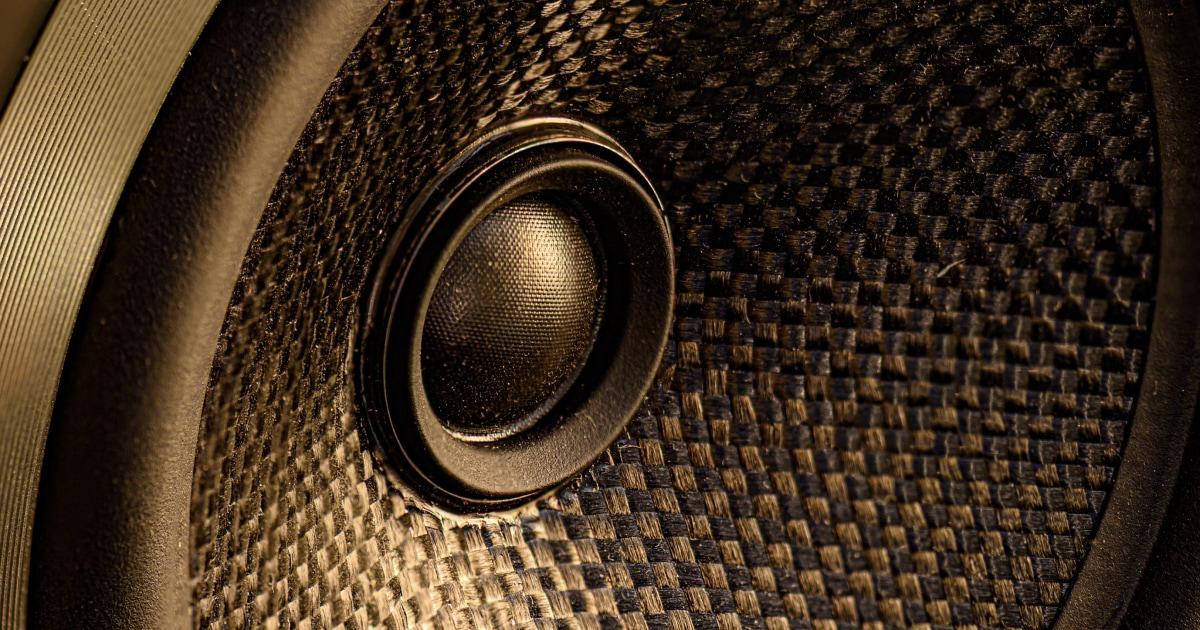
Why Is My Phone Speaker Crackling or Buzzing?
Is your phone speaker crackling, buzzing, or making distorted sounds? Learn the common causes, how to troubleshoot the problem, and how to test your speaker.
Why Does My Phone Speaker Sound Distorted at High Volume?
Find out why your phone speaker sounds distorted at high volume, how to distinguish normal audio limitations from a potential problem, and what to try.
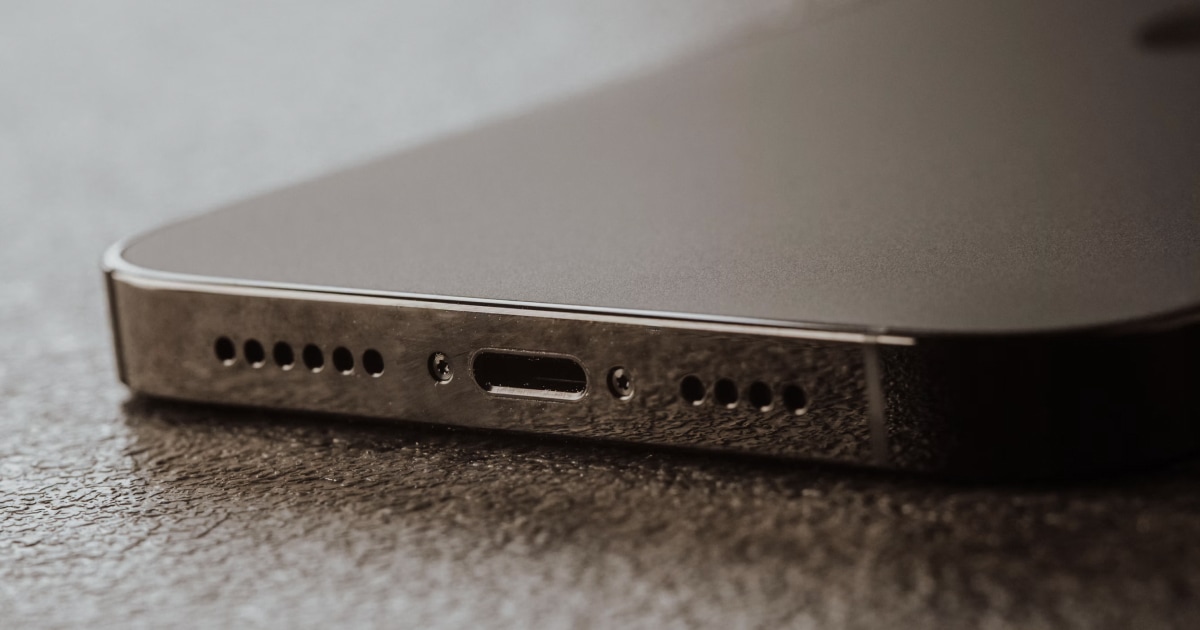
Why Is My Phone Speaker Not Working?
Is your phone speaker not producing any sound? Learn how to troubleshoot muted audio, connection issues, software problems, and possible speaker damage.